 HabitLog Pro
Track your habits by talking to your AI
Connect HabitLog Pro to Claude or ChatGPT. Say what you did and what you skipped, for today or any past day, and it checks in every habit in one go, amounts included. Anything unclear is flagged so you can refine it later, and it learns your own words for your habits.
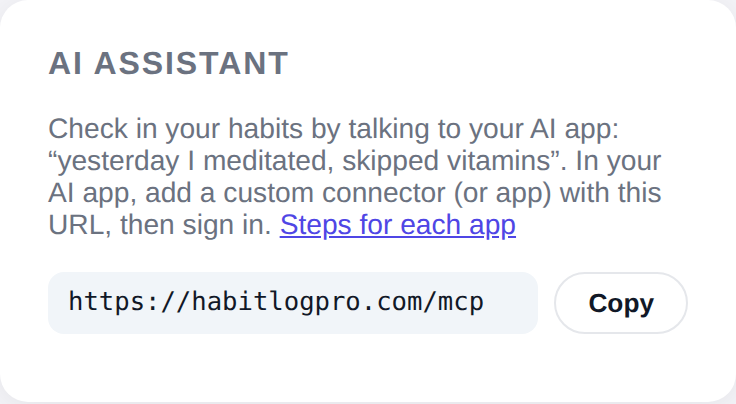
Connector URL
https://habitlogpro.com/mcpConnect
Claude
- Open Customize → Connectors (or Settings → Connectors) and choose Add custom connector.
- Paste
https://habitlogpro.com/mcpand click Connect. Leave the OAuth fields empty. - Sign in with Google on the HabitLog Pro screen (this creates your account if you don't have one) and click Allow.
ChatGPT
- Open Settings → Apps & Connectors → Advanced settings and turn on Developer mode.
- Choose Create, paste the URL, and pick OAuth authentication.
- Sign in on the HabitLog Pro screen and click Allow.
You choose what the AI app can do: read your habits, or read and write them. Disconnect any time in the app under Settings → AI assistant.
What it looks like
Check in a whole day in one sentence
Yesterday I took my vitamins and meditated, skipped matcha, and had 2 glasses of wine.
Checked in Saturday: Vitamins and Meditation done, Matcha skipped, Alcohol 2 drinks. Your vitamins streak is now 18 days.
Tools: log_habits (4 habits, one call)
Teach it your words
“Pills” means my vitamins. And add a habit: read 20 minutes, 5 times a week.
Saved “pills” as another name for Vitamins, so I'll understand it next time, and created Reading (5 times a week).
Tools: update_habit, create_habit
Ask about your streaks
How am I doing this month?
October so far: Vitamins 24 of 26 days, Meditation 15 times (goal 4 a week, met 3 of 4 weeks), and alcohol on 6 days, 11 drinks in all. Longest current streak: Vitamins, 18 days.
Tools: get_range, get_streaks
In the app
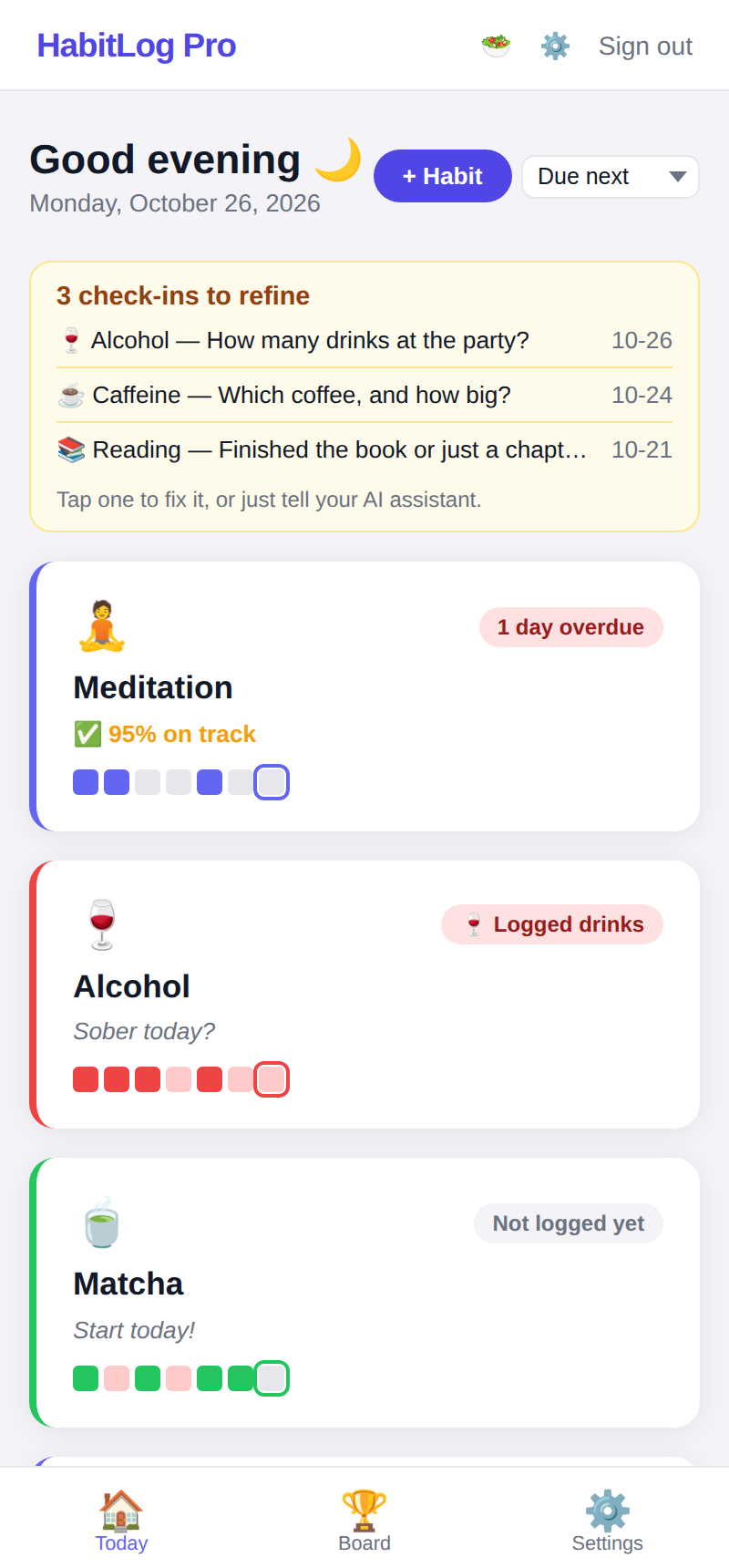
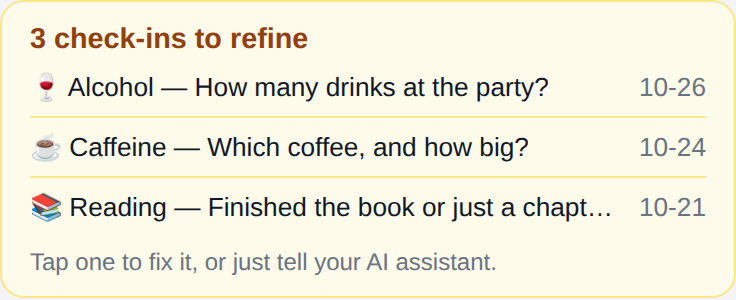
Tools
Every tool acts only on the signed-in user's habits. Read tools never change anything; tools marked destructive can overwrite or delete data and ask the AI app to confirm with you.
| Tool | What it does | Parameters | Type |
|---|---|---|---|
get_dayGet day | One day of check-ins: every active habit with its status (good, missed, partial, not_logged), count/drinks/caffeine_mg, note and needs_detail, plus how many were good and logged. | date? | Read |
get_entries_to_refineGet check-ins to refine | List check-ins still flagged needs_detail (e.g. | days? | Read |
get_rangeGet date range | Summarise habits between two dates (inclusive, max 366 days): per habit the good days, missed days and days not logged; per day the habits that were good. | start, end | Read |
get_streaksGet streaks | Streaks and consistency, as the app shows them. | habits? | Read |
list_habitsList habits | The user's habits: id, name, icon, kind (check = yes/no, count = several times a day, alcohol = drinks to avoid, caffeine = mg), schedule (daily, n_per_week, every_n_days), aliases, today's status, and current streak or % on track. | include_archived? | Read |
lookupLook up habits | Resolve habit names: one term or a list (e.g. | query | Read |
archive_habitArchive habit | Archive a habit (hide it; its history is kept) or bring it back with archived=false. | habit, archived? | Write · destructive |
clear_checkinsClear check-ins | Remove check-ins (undo a log): entries [{habit, date}] (max 50), habit by name, alias or habit_id. | entries | Write · destructive |
create_habitCreate habit | Create a habit, only when the user asks for one. | name, icon?, schedule?, times_per_week?, interval_days?, times_per_day?, aliases? | Write |
log_habitsLog habits | Check in habits for a day: everything the user did or skipped ("yesterday I meditated and ran, skipped vitamins, 2 beers"). | entries, date? | Write · destructive |
submit_feedbackSend feedback | Send the HabitLog Pro developers a feature request or problem report: something the user wanted that these tools can't do, or an error. | text, category? | Write |
update_habitUpdate habit | Change a habit (by name, alias or habit_id): name, icon, schedule (daily | n_per_week + times_per_week | every_n_days + interval_days), times_per_day (1-4, yes/no and count habits), aliases (replaces the list; e.g. | habit, name?, icon?, schedule?, times_per_week?, interval_days?, times_per_day?, aliases? | Write · destructive |
Details for developers: /docs/mcp.md.
Privacy and security
- Sign-in is OAuth 2.1 with PKCE. We store only hashes of access tokens; they expire after an hour and refresh tokens after 90 days unused.
- We never receive your conversation, only what the AI sends to these tools.
- Your habits are never sold or used for advertising. You can download or delete everything from the app.
Read the privacy policy and terms. Help: support@habitlogpro.com.